
How I Play Games in the Terminal
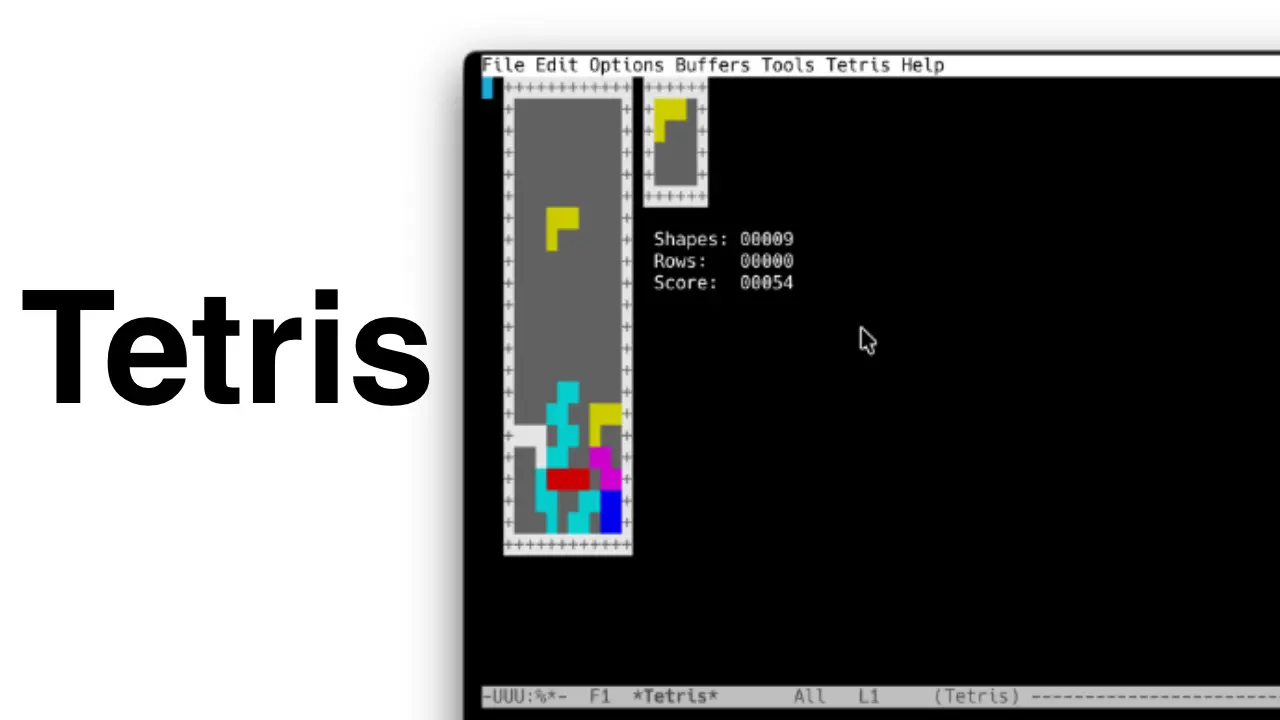
Playing Tetris
The other day I was bored and started wondering what games in the terminal were like. The idea of playing directly in the terminal sounds pretty fun — you’d expect lightweight mini-games that are surprisingly addictive.
Here are a few I found.
Installing Emacs
The first step is to install Emacs. It’s easy (though not so easy to learn how to use).
On macOS, just run the following command in your terminal:
brew install emacs
If it doesn’t work, that’s what Google is for 😅 It’s not my goal here to teach you how to install it.
Games I Found
Some are pretty cool, others not so much, but here’s my little curated list.
Tetris
emacs -q --no-splash -f tetris
Ping Pong
emacs -q --no-splash -f pong
Controls: Right player: ↑ and ↓ arrow keys Left player: 4 and 6 keys (or ← and → arrow keys)
Snake
emacs -q --no-splash -f snake
Solitaire
emacs -q --no-splash -f solitaire
Doctor
emacs -q --no-splash -f doctor
Life
emacs -q --no-splash -f life
Dunnet (text-based adventure game)
emacs -q --no-splash -f dunnet
If you get stuck in the game (like I did 😅), just press:
Control + Z
How I Play Games in the Terminal